Give it a home.
Create an account, download the app and tap Add Display. Follow the Wi-Fi and pairing steps.

Time, colour and the things you care about.
Give them a place on your desk.
30-day returnsWarranty terms12-month hardware warranty
See what it can do ↓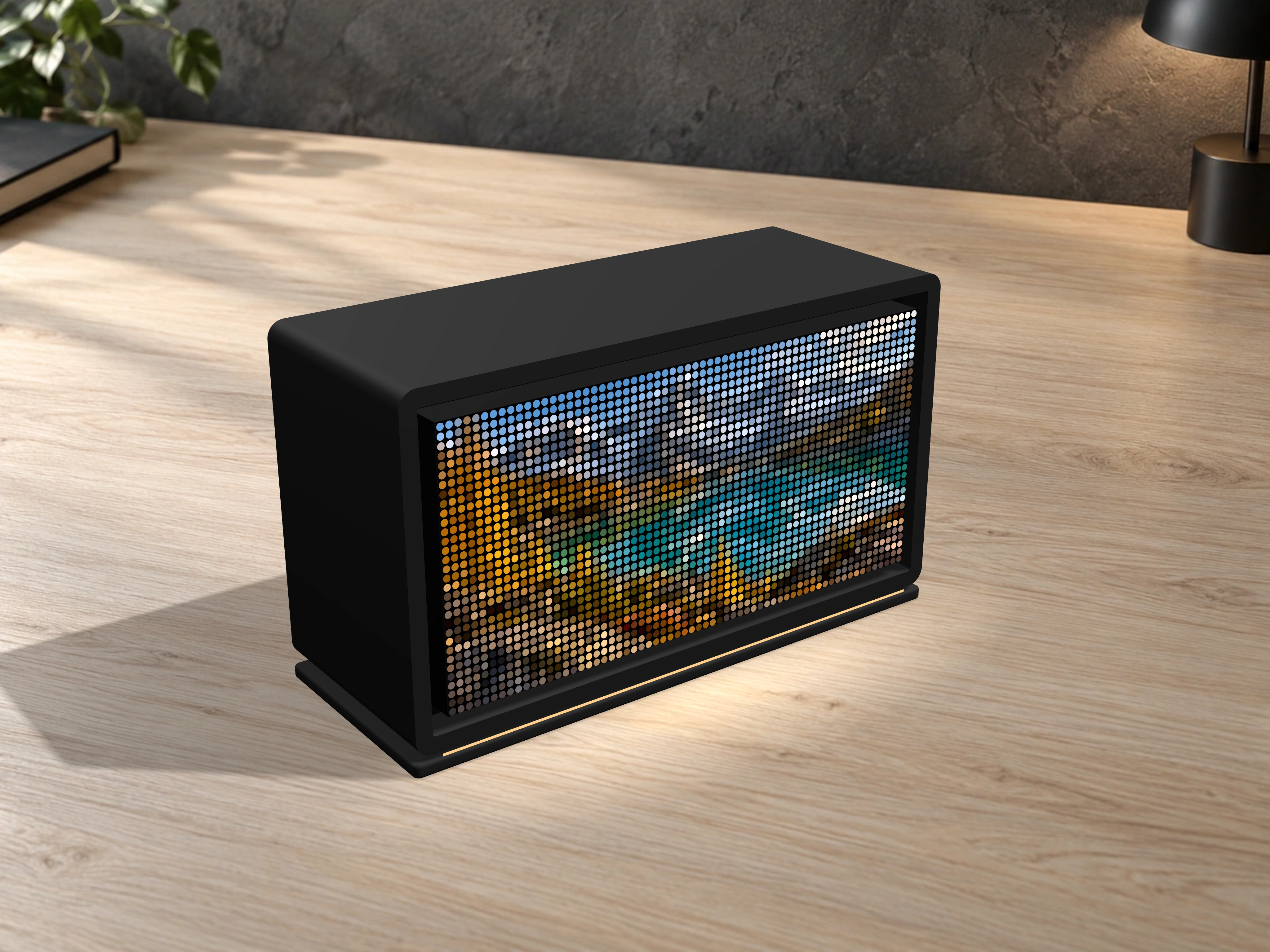
A clock in the morning. A timer when you focus. Your own pixel art after hours.
Choose what’s on screen, and when it belongs there.
Tap a feature to try its pixel preview. No account needed.
Loading feature previews…
Connected data examples are illustrative previews. Stock features use daily archived data. The complete feature library stays in the app.
Create an account, download the app and tap Add Display. Follow the Wi-Fi and pairing steps.
Choose clocks, pixel art, timers and more from the feature library.
Build a weekly routine. The right screen, at the right moment.
“A clock while I work, pixel art when I’m done. Such a fun little addition.”
Sample review — replace before launch“The warm glow and my favourite artwork make my evening setup feel complete.”
Sample review — replace before launch“I love the idea of setting up my week and letting the display change with me.”
Sample review — replace before launchSomething else on your mind?
Email is the best way to reach us.
Phone callbacks: Monday–Friday, 12 pm–5 pm (Sydney time).
Early Release Sale: Small A$150 (regular A$200), Medium A$180 (regular A$250) and Large A$250 (regular A$350). Free Australia-wide delivery in 2–3 days after dispatch. Every display comes with a 30-day guarantee. Medium and Large are preorders, with estimated dispatch on 29 October 2026.
Black, Dark Brown, Bone White, Dark Green, Desert Tan, Latte Brown and Ivory White. Visit the product page to preview your finish.
The Small assembly measures approximately 180 × 105 × 70 mm including its stand, with a 160 × 80 mm screen. Medium has a 192 × 96 mm screen; Large has a 256 × 128 mm screen. Medium and Large enclosure dimensions will be confirmed.
Create an account, download the Diodino app and open it. Tap Add Display, then follow the instructions to connect your display to your 2.4 GHz home Wi-Fi and enter the six-digit code shown on its screen. Once paired, choose your favourite features and a weekly schedule.
Yes. Explore the feature previews above, then use the app to choose and schedule your screens. Connected-data previews are examples; stock features use daily archived data.
Check power and Wi-Fi first, then follow the setup instructions again. Ask the product assistant for guided steps. Never share your Wi-Fi password in chat.
We’re building a desktop display for the things you want to see at a glance. A clock, something you’ve created, or a little colour between tasks.
Choose your apps and give them a place in your day. Simple screens, bright pixels, and room to make it your own.
Find your first feature ↗